When setting up security for a Linux machine, it helps to start with materials that are both systematic and actionable. The following four references approach Linux host and server hardening from different angles, ranging from vendor security manuals to community wikis and step-by-step guides.
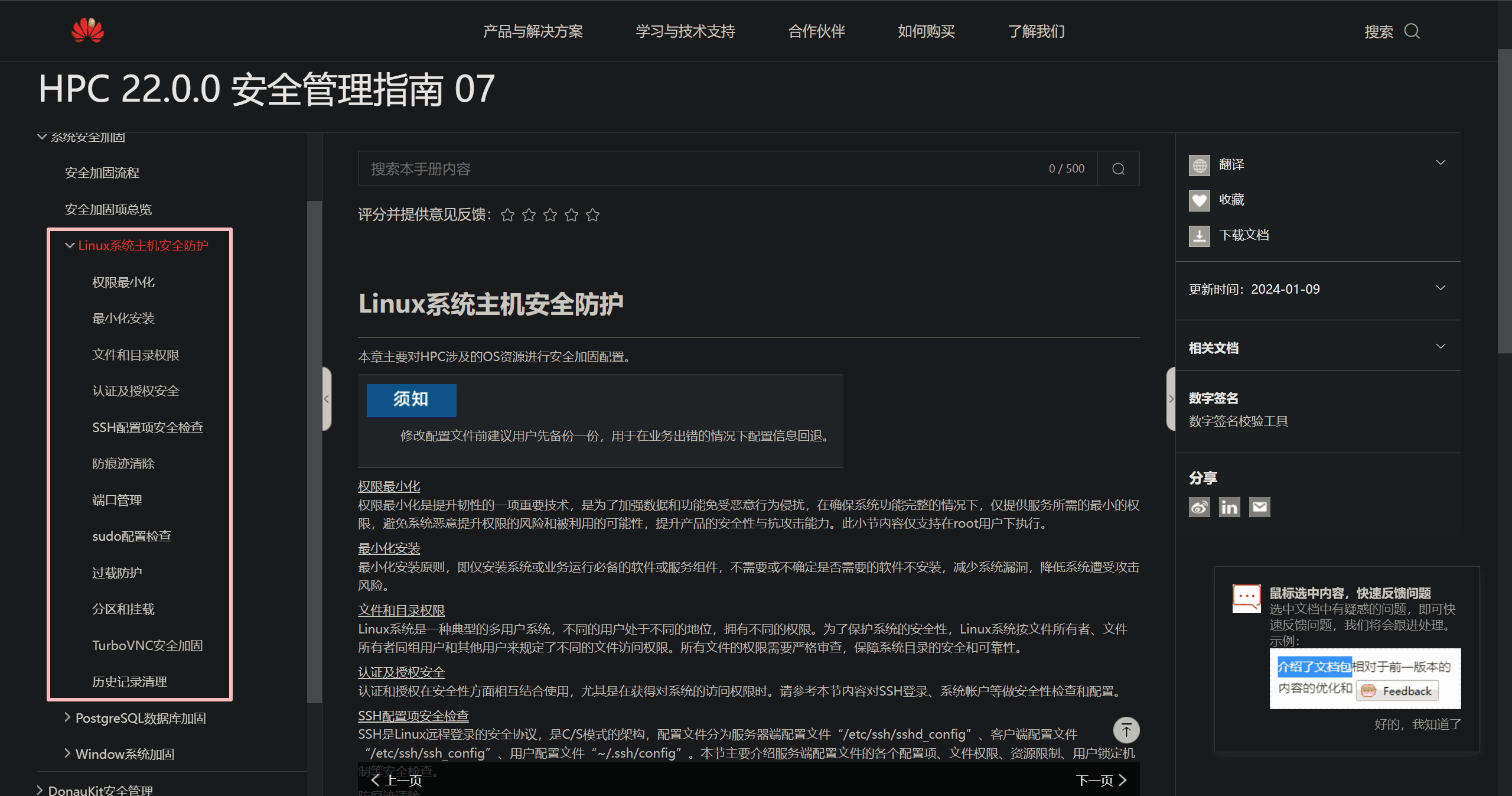
1. Linux host protection in an HPC security configuration manual
One useful reference is the Linux host protection section from a security configuration manual for an HPC (High Performance Computing) system produced by Huawei. This part focuses specifically on Linux host security and walks through the operational steps for 12 separate protection items.
For anyone who wants a checklist-oriented guide with concrete procedures, this is a practical place to begin.
2. The Arch Linux security wiki
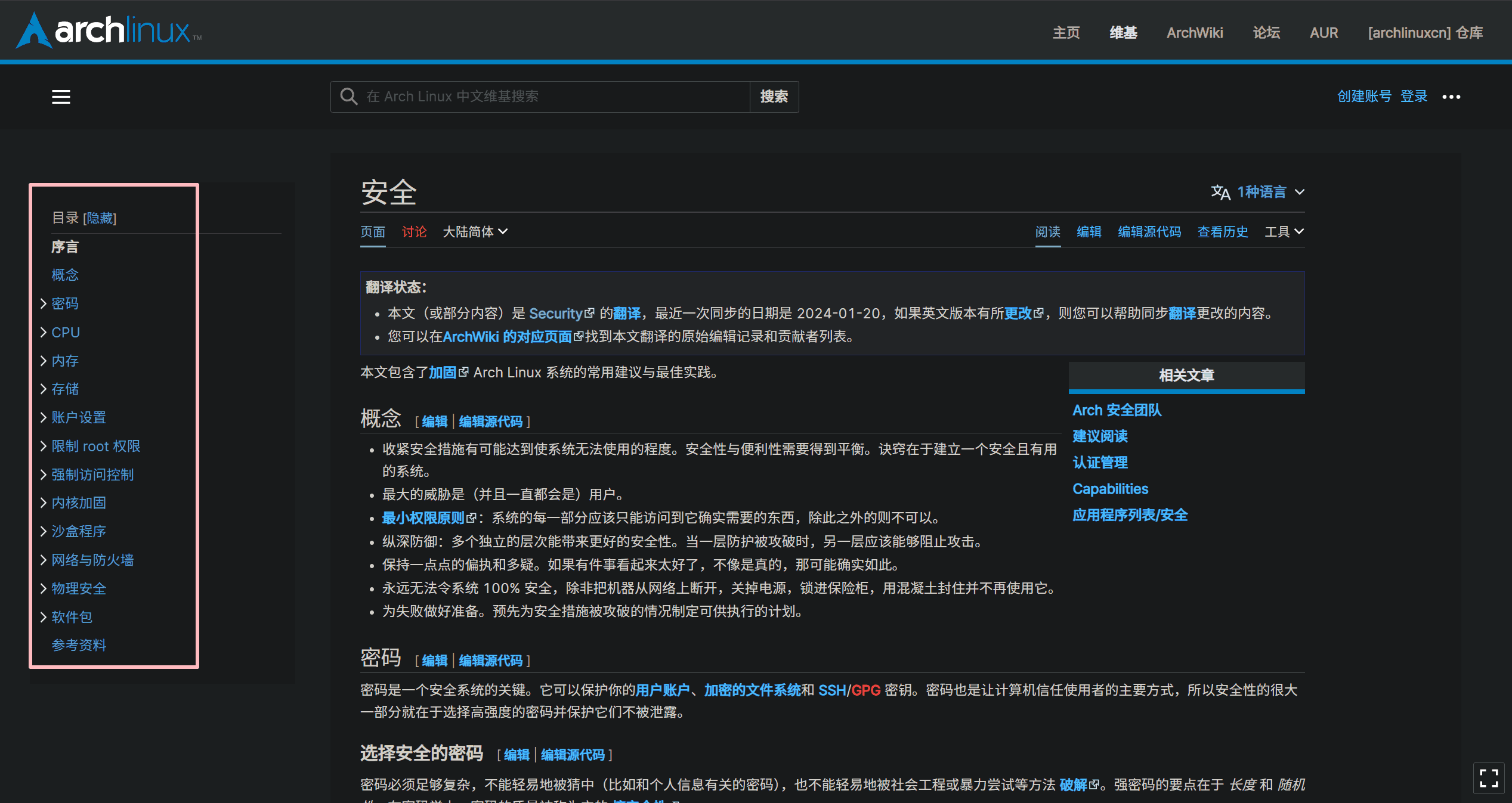
The Arch Linux Chinese wiki also has a dedicated security page, written entirely in Chinese. Its coverage is broad: it does not stop at software settings, but also discusses security-related topics across both software and hardware.
What makes this reference particularly useful is its combination of concept explanation and configuration guidance. It is suitable not only for applying settings, but also for understanding why those settings matter.
3. 40 Linux Server Hardening Security Tips [2024 edition]
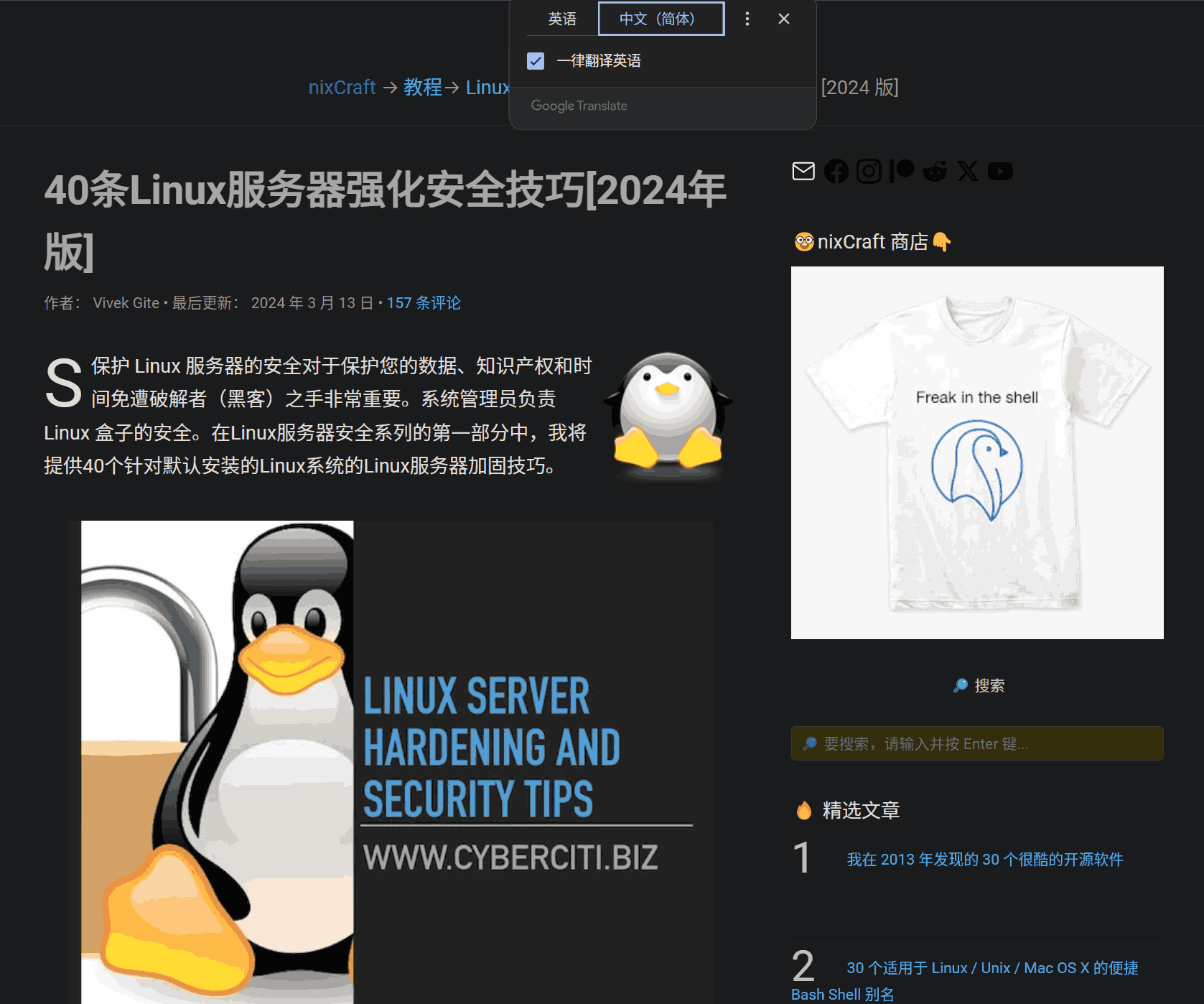
Another strong resource is the English-language guide “40 Linux Server Hardening Security Tips [2024 edition]” from the nixCraft technical blog. If needed, it can be read with browser translation.
The article is organized as 40 security recommendations for Linux server hardening. A useful detail is that each tip includes related links, which makes it easier to continue reading and verify specific topics. Most of the recommendations also come with basic operating steps, so the article is not just conceptual but directly usable.
4. How-To-Secure-A-Linux-Server
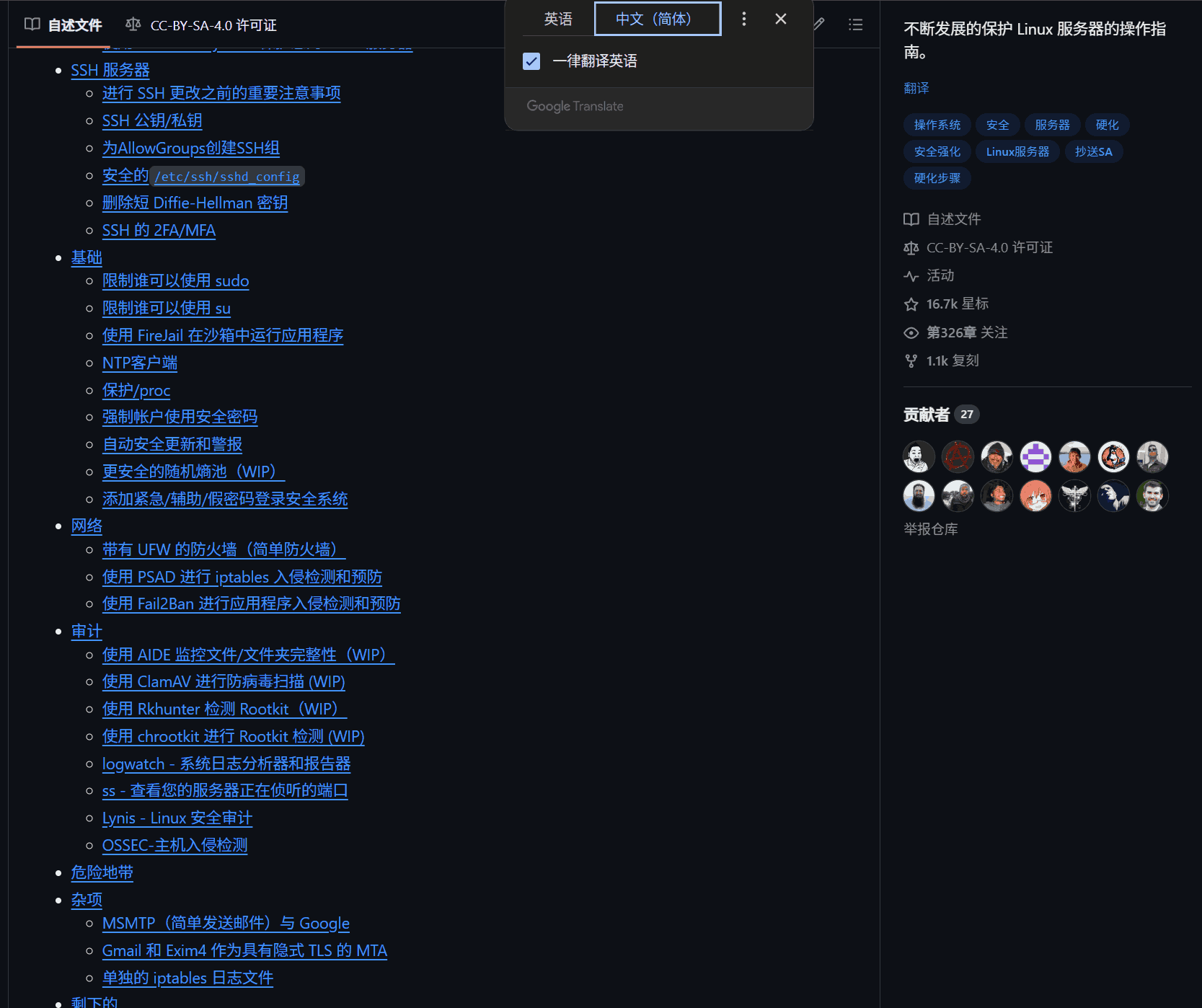
There is also a very popular GitHub guide titled “How-To-Secure-A-Linux-Server.” This is a detailed English-language reference focused on protecting Linux servers.
Its structure is built around six major categories, and under those categories it explains how to carry out security configuration in a more complete and systematic way. For readers who prefer a long-form guide with organized sections, this is a strong option.
These four materials complement one another well: one emphasizes a formal operational manual, one provides broad wiki-style coverage, one offers a practical tip list with references, and one delivers a structured deep-dive guide for securing a Linux server.