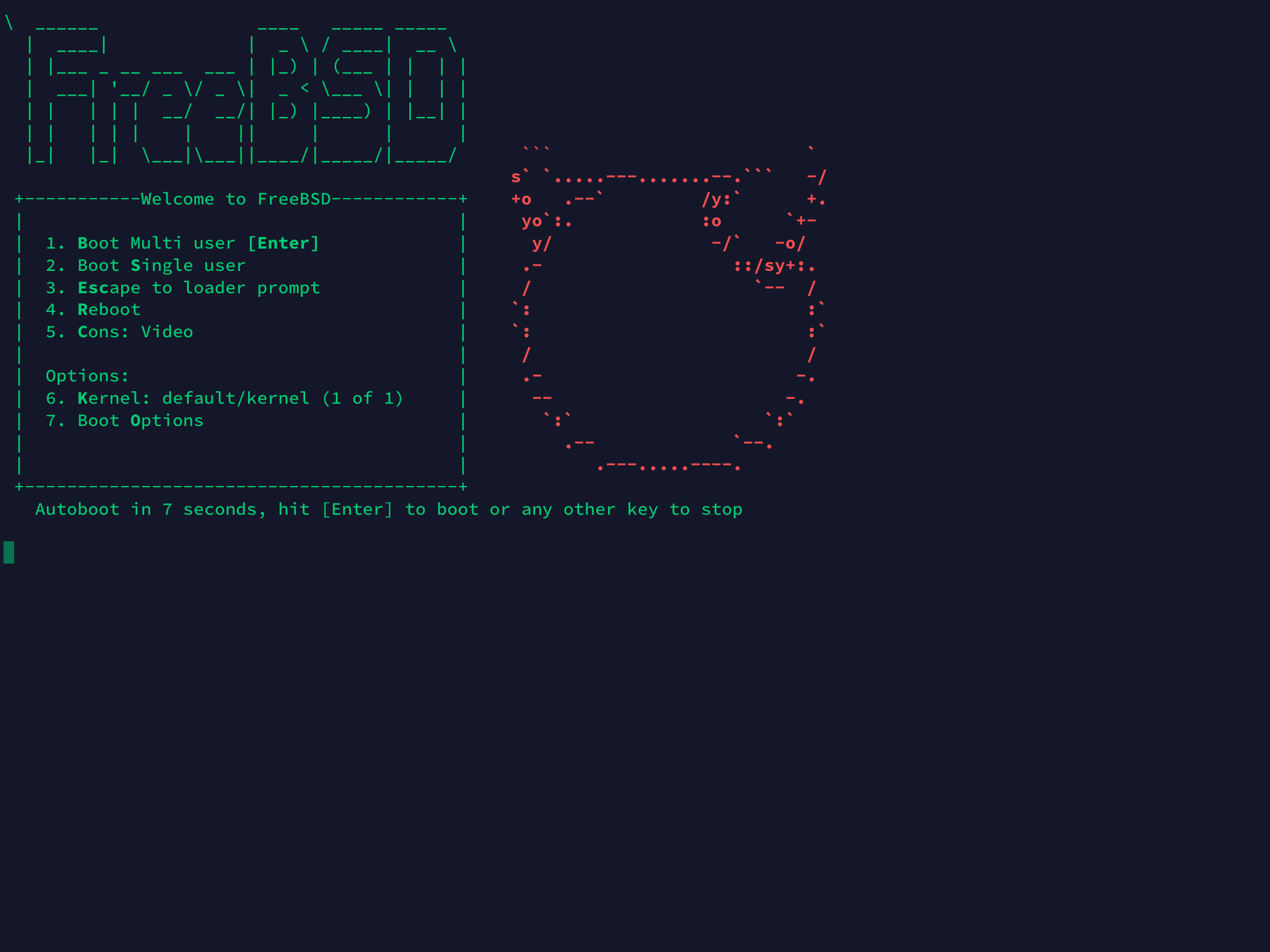
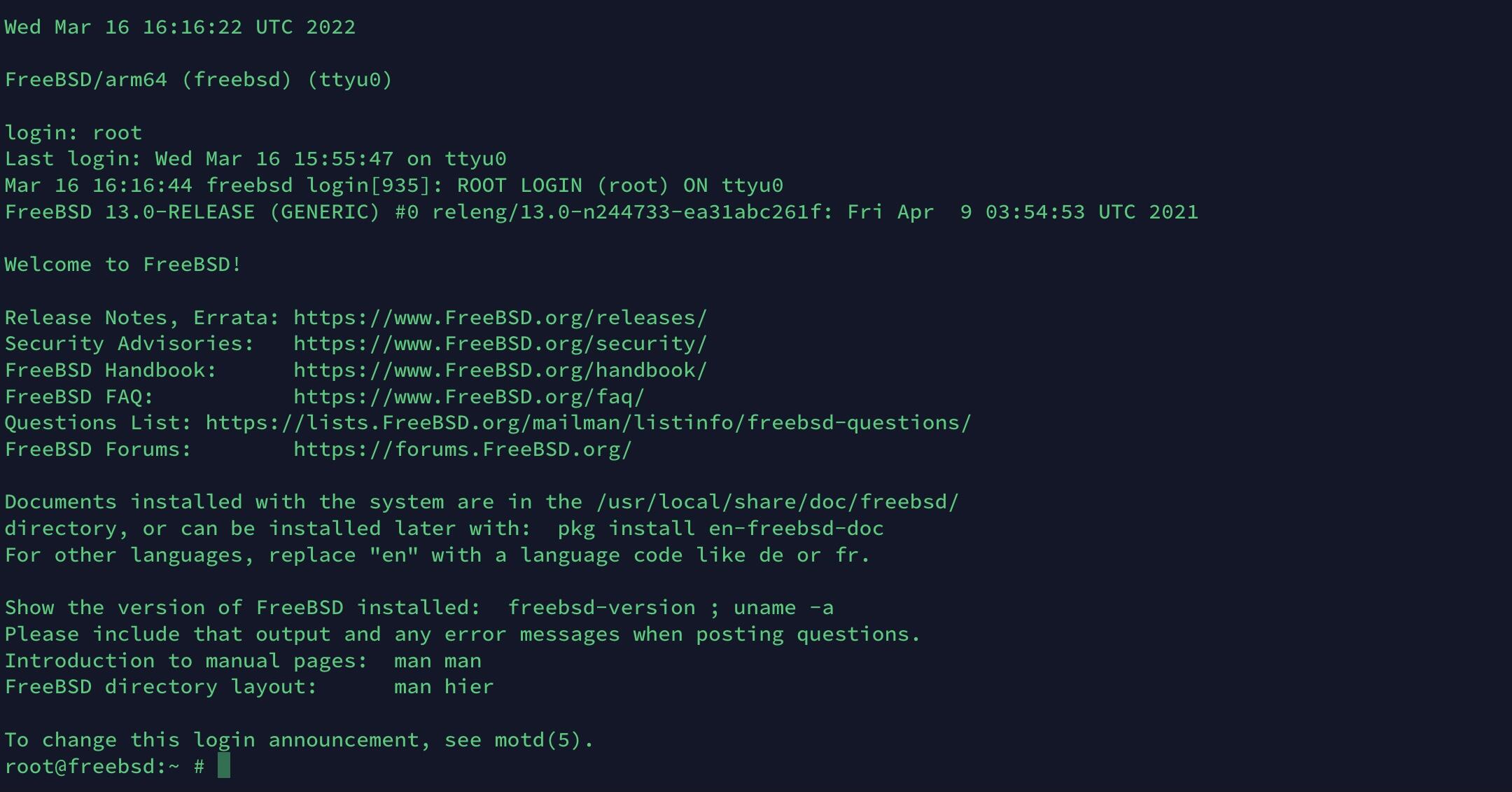
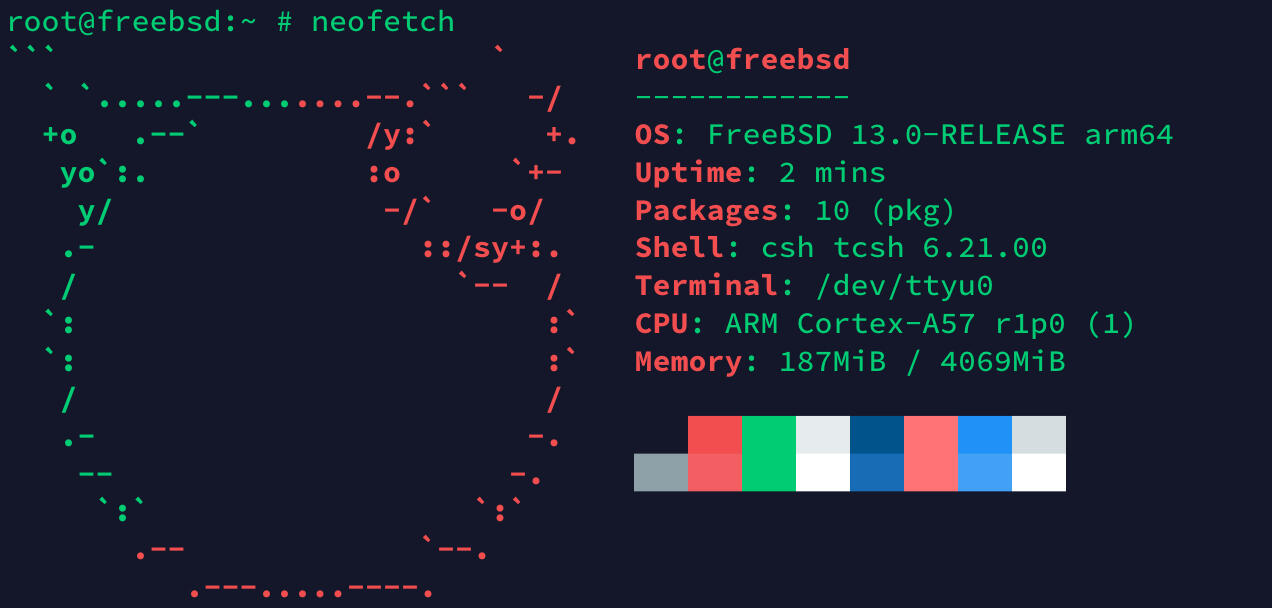
FreeBSD is a long-established Unix-like operating system, roughly the same age as Debian. It is well regarded for network performance, stability, and security. If you want to try it from a Debian machine, QEMU provides a straightforward way to boot the ARM64 image.
Install QEMU
On Debian, first install the ARM system emulator:
sudo apt install qemu-system-arm -y
Download the FreeBSD image
This example uses the FreeBSD 13.0 RELEASE VM image for aarch64. You can download it from the official site:
wget https://download.freebsd.org/ftp/releases/VM-IMAGES/13.0-RELEASE/aarch64/Latest/FreeBSD-13.0-RELEASE-arm64-aarch64.qcow2.xz

## 使用国内镜像
wget https://mirrors.ustc.edu.cn/freebsd/releases/VM-IMAGES/13.0-RELEASE/aarch64/Latest/FreeBSD-13.0-RELEASE-arm64-aarch64.qcow2.xz
Extract the archive
After the download finishes, unpack the compressed disk image:
xz -d FreeBSD-13.0-RELEASE-arm64-aarch64.qcow2.xz
Start FreeBSD in QEMU
Use the following command to boot the image:
qemu-system-aarch64 -m 4096M -cpu cortex-a57 -M virt \
-bios edk2-aarch64-code.fd -nographic \
-drive if=none,file=FreeBSD-13.0-RELEASE-arm64-aarch64.qcow2,id=hd0 \
-device virtio-blk-device,drive=hd0 \
-device virtio-net-device,netdev=net0 \
-netdev user,id=net0
This setup allocates 4 GB of memory, uses a cortex-a57 CPU model, boots with UEFI firmware, and runs in text mode through the terminal with -nographic.
First login and package management
The default account is root, and it has no password.
FreeBSD uses pkg for package management. The first time you use it, network access is required so it can download package metadata. Its basic workflow is similar to apt on Debian:
- Update package lists
pkg update
- Install a package
pkg install 软件包名
- Remove a package
pkg delete 软件包名
- Search for a package
pkg search 软件包名
Screenshots